
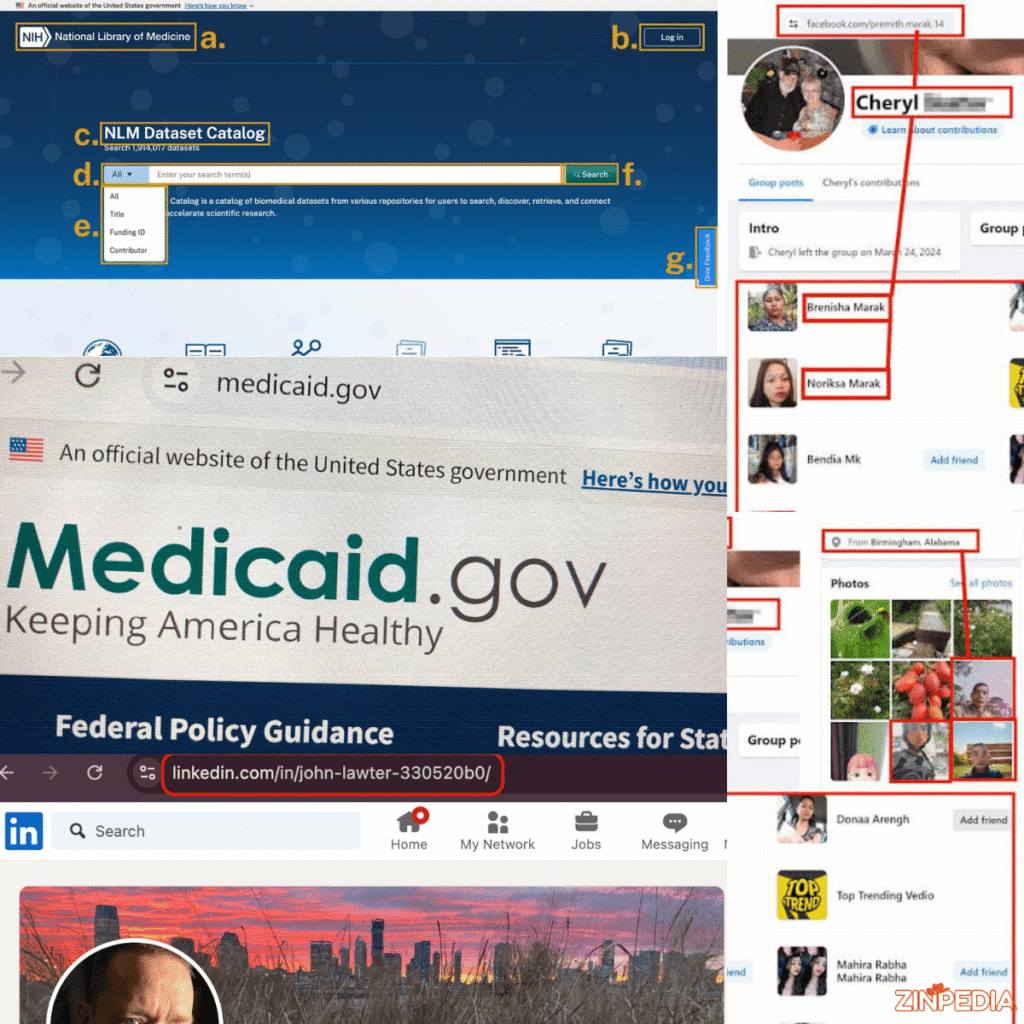
Every time you open a website, read an online article, watch a video, or visit a product page, you use a URL.
You may copy one from your browser, click one in an email, or send one to a friend without thinking about how it works. However, URLs are an essential part of the internet because they tell browsers exactly where to find online content.
A URL may look like a simple website address, but it can contain several important parts. These parts may identify the website, the exact page, additional instructions, and even a specific section of the content.
Understanding URLs is useful for website owners, students, marketers, online shoppers, developers, and everyday internet users. It can help you identify suspicious links, organize a website properly, and create cleaner pages that are easier for people and search engines to understand.
This guide explains what a URL is, how it works, its main parts, common types, safety concerns, and the best practices for creating clear and SEO-friendly website addresses.
What Is a URL in Simple Words?
URL stands for Uniform Resource Locator.
A URL is the address used to find a specific resource on the internet.
That resource may be:
- A website homepage
- A blog article
- A product page
- An image
- A video
- A downloadable document
- A login page
- An online form
- An API endpoint
A simple URL may look like this:
This address tells the browser where the page is located and how it should be accessed.
You can think of a URL as a digital street address.
A physical address helps a delivery driver find a particular house. In the same way, a URL helps a browser find a specific page or file on the internet.
URL, Link, and Website Address
People often use the words URL, link, and website address as if they mean the same thing. They are closely related, but there are small differences.
A URL is the actual online address.
A link is a clickable element that takes a user to a URL.
A website address is an informal term people commonly use for a domain or URL.
For example, the text “Visit our contact page” may be a clickable link. The link may point to this URL:
The words users see and the destination address do not always have to be the same.
Is Every URL a Website?
No.
A URL can point to many types of online resources, not only complete websites.
For example, a URL may open:
- A PDF file
- A specific image
- A video
- A social media post
- A product
- A map location
- A downloadable application
- A file stored in the cloud
The URL identifies the exact location of the resource.
How Does a URL Work?
When you enter a URL into a browser, several things happen in the background.
The process usually takes only a few seconds.
Step 1: You Enter or Click the URL
You may type the address directly into the browser or click a link from another webpage, application, email, or message.
For example:
Step 2: The Browser Reads the Address
The browser examines the URL to understand:
- Which communication method to use
- Which website server to contact
- Which page or file is required
- Whether additional information is included
The browser separates the URL into its different parts.
Step 3: The Domain Is Connected to a Server
The browser needs to identify the server connected to the domain name.
Domain names are easier for people to remember than numerical internet addresses.
A system called the Domain Name System connects the readable domain name with the correct server address.
Step 4: The Browser Sends a Request
After identifying the server, the browser requests the resource listed in the URL.
The request may ask for:
- A webpage
- An image
- A video
- Product information
- Search results
- Account data
Step 5: The Server Returns the Resource
The server processes the request and sends the relevant content back to the browser.
The browser then displays the page or file on your screen.
If the requested resource does not exist, the server may return an error, such as a 404 page-not-found message.
What Are the Main Parts of a URL?
A URL can contain several components.
Consider this example:
Each section has a different purpose.
1. The Protocol
The first part is:
https://
This is the protocol, also called the scheme.
It tells the browser how to communicate with the website.
The most common protocols are:
- HTTP: Hypertext Transfer Protocol
- HTTPS: Hypertext Transfer Protocol Secure
HTTPS protects information exchanged between the browser and website by using encryption.
Most modern websites should use HTTPS, especially pages that handle:
- Passwords
- Payment information
- Personal details
- Account data
- Private messages
A browser may display a warning when a website uses an unsafe or incorrectly configured connection.
Other protocols may also appear in URLs, including:
- ftp:// for file transfers
- mailto: for email links
- tel: for telephone links
2. The Subdomain
In the example URL, the subdomain is:
shop
A subdomain appears before the main domain.
Website owners may use subdomains to separate different parts of a large website.
Common examples include:
- blog.example.com
- support.example.com
- shop.example.com
- news.example.com
The most familiar subdomain is www, although many websites now work with or without it.
A subdomain is not always required.
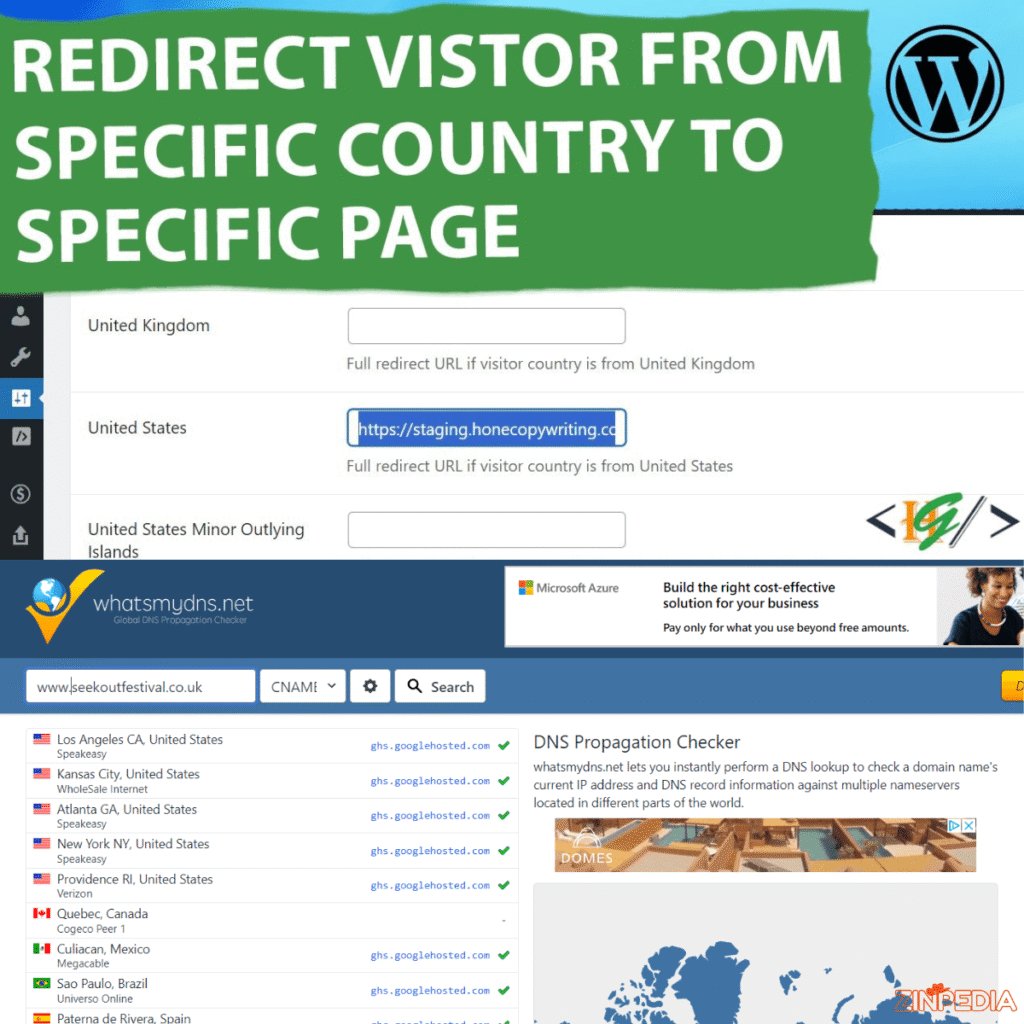
3. The Domain Name
The main domain in the example is:
example.com
The domain name identifies the website.
It usually contains two key parts:
- The chosen website name
- The domain extension
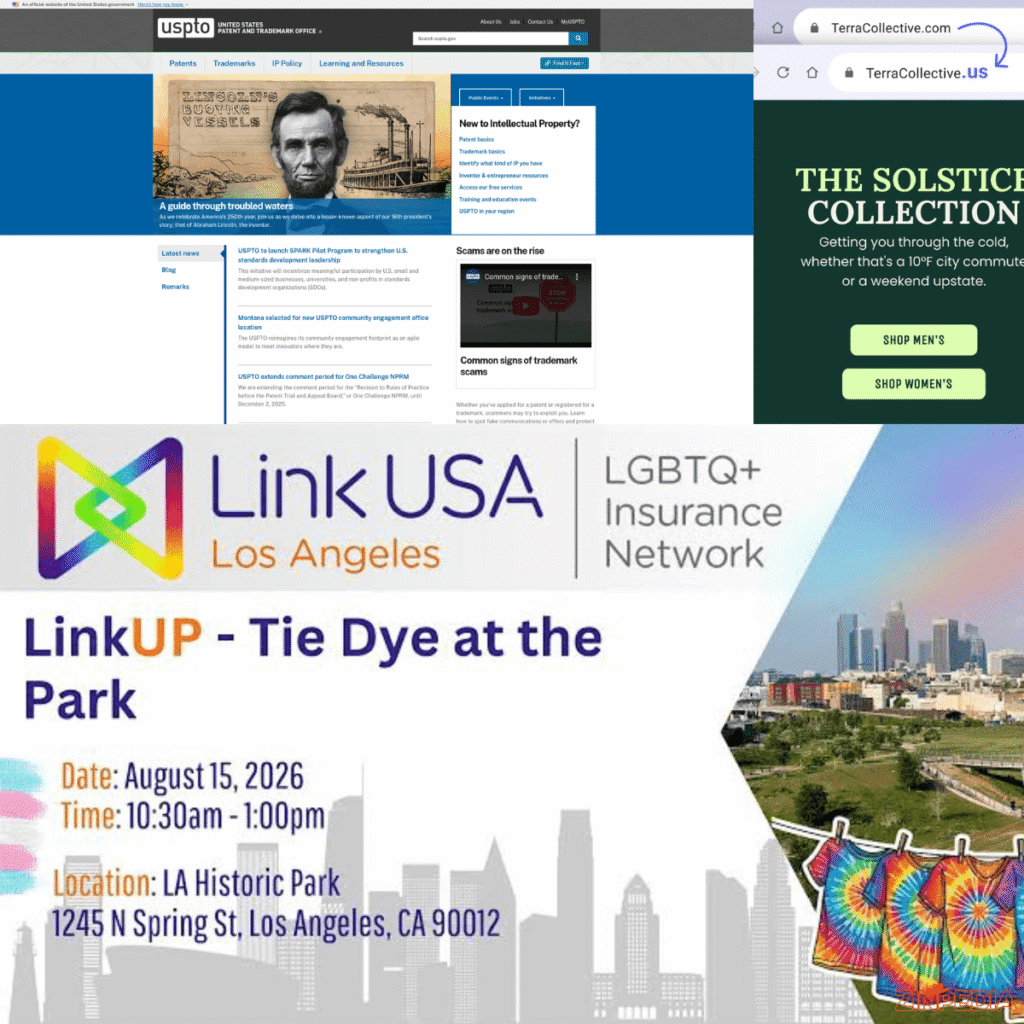
In example.com, “example” is the selected name, while “.com” is the extension.
Common domain extensions include:
- .com
- .org
- .net
- .edu
- .gov
- .co.uk
- .pk
- .ca
- .au
Some extensions represent countries, while others are associated with organizations or particular industries.
4. The Path
The path in the example is:
/products/laptops
The path identifies a particular page, section, or file on the website.
It often reflects the organization of the website.
For example:
example.com/blog
may open the main blog page, while:
example.com/blog/how-to-start-a-business
may open one specific article.
A clear path helps users understand what a page is about before opening it.
5. The Query Parameters
The query section begins with a question mark.
In the example, it is:
?brand=alpha
Query parameters send additional information to the website.
They are commonly used for:
- Search terms
- Filters
- Product categories
- Sorting options
- Tracking campaigns
- Language settings
- Page numbers
A URL can contain more than one parameter.
For example:
example.com/shoes?color=black&size=10
The first parameter begins with a question mark. Additional parameters are separated with an ampersand.
Query parameters can make URLs long, especially on online stores and search pages.
6. The Fragment
The final part of the example is:
#reviews
This is called a fragment or anchor.
It directs the browser to a specific section of the page.
For example:
example.com/product#reviews
may open the product page and move directly to the customer-review section.
Fragments are useful on long pages with several sections.
What Are the Different Types of URLs?
URLs can be grouped into several types depending on how they are written and used.
Absolute URL
An absolute URL contains the complete address of a resource.
Example:
It includes the protocol, domain, and page path.
Absolute URLs are commonly used when linking from:
- Emails
- Social media
- Other websites
- Documents
- External applications
They provide the full information required to open the resource.
Relative URL
A relative URL includes only part of the address.
Example:
/blog/url-guide
It assumes the browser already knows the website domain.
Relative URLs are often used for internal links within the same website.
For example, if a user is already on example.com, the browser can combine the domain with /blog/url-guide.
Static URL
A static URL usually remains the same and does not contain changing parameters.
Example:
example.com/services/web-design
Static URLs are normally simple, readable, and easy to share.
They are commonly used for:
- Blog posts
- Service pages
- About pages
- Landing pages
- Category pages
Dynamic URL
A dynamic URL may be created automatically based on user actions, filters, database information, or tracking.
Example:
example.com/products?id=248&category=5
Dynamic URLs are common on:
- E-commerce websites
- Search pages
- Booking platforms
- User dashboards
- Large databases
Dynamic URLs are not automatically bad. However, they can become difficult to read when they contain too many parameters.
Shortened URL
A shortened URL converts a long address into a smaller one.
These links are often used on:
- Social media
- Printed materials
- Marketing campaigns
- Text messages
- QR codes
A short link may be convenient, but it hides the final destination. Users should be careful when opening shortened URLs from unknown sources.
Redirect URL
A redirect URL sends users from one address to another.
Redirects are useful when:
- A page has moved
- A website changes its domain
- An old product is replaced
- A short marketing link is used
- HTTP traffic is sent to HTTPS
A proper redirect helps users reach the correct page instead of seeing an error.
Why URLs Matter for SEO and User Experience
A URL is not only a technical address. It can also help users and search engines understand a page.
A clean URL may improve trust, navigation, and clarity.
Compare these two examples:
example.com/page?id=58392&category=7
and
example.com/blog/what-is-a-url
The second address is easier to read and clearly explains what the page contains.
Use Descriptive Words
The URL should describe the page accurately.
For example:
example.com/how-to-tie-a-tie
is better than:
example.com/article-2948
Descriptive words help users understand the destination before clicking.
Keep URLs Short and Focused
A URL should contain enough information to describe the page, but it should not be unnecessarily long.
Avoid adding words that do not improve meaning.
For example:
example.com/what-is-a-url
is cleaner than:
example.com/complete-and-detailed-guide-about-what-is-a-url-for-beginners
Shorter addresses are generally easier to:
- Read
- Remember
- Copy
- Share
- Display in search results
Use Hyphens Between Words
Hyphens make words easier to read.
Good example:
example.com/url-structure-guide
Less clear example:
example.com/url_structure_guide
Avoid joining every word together:
example.com/urlstructureguide
Use Lowercase Letters
URLs can sometimes treat uppercase and lowercase letters differently.
For consistency, use lowercase letters.
Good example:
example.com/what-is-a-url
Inconsistent example:
example.com/What-Is-A-URL
Avoid Unnecessary Numbers and Symbols
Random numbers, special characters, and long tracking codes can make a URL confusing.
Use them only when they serve a real purpose.
Include the Main Topic Naturally
Adding the main topic to the URL can help users and search engines understand the page.
For an article about URLs, a suitable slug is:
/what-is-a-url/
Do not repeat the same keyword several times.
Bad example:
/what-is-a-url-url-meaning-url-guide/
Avoid Changing URLs Without a Reason
Once a page has been published and indexed, changing its URL can create broken links and lost traffic.
When a change is necessary, use a proper redirect from the old address to the new one.
How to Check Whether a URL Is Safe
URLs can also help you recognize suspicious websites.
Before entering a password, downloading a file, or making a payment, examine the address carefully.
Check the Domain Name
Scammers may create domain names that look similar to trusted websites.
For example, they may:
- Replace a letter
- Add an extra word
- Use an unusual extension
- Add a trusted brand name as a subdomain
- Insert numbers or hyphens
A fake address may look convincing at first glance.
Always identify the actual main domain.
For example:
bank.example-fake.com
belongs to example-fake.com, not to the bank.
Look for HTTPS, but Do Not Rely on It Alone
HTTPS means the connection is encrypted.
However, a fraudulent website can also use HTTPS.
A secure connection protects data while it travels, but it does not guarantee that the website owner is honest.
Check both the connection and the domain.
Be Careful With Shortened Links
A shortened link hides the final address.
Avoid opening one when:
- The sender is unknown
- The message creates urgency
- It promises an unrealistic prize
- It asks for login information
- It appears in a suspicious email or message
Watch for Misspellings
Fraudulent sites may use addresses such as:
- paypa1.com instead of paypal.com
- amaz0n.com instead of amazon.com
Numbers and similar-looking letters are often used to mislead visitors.
Avoid Entering Information After an Unexpected Redirect
A link may appear to open one website but redirect to another.
Check the browser address bar before entering:
- Passwords
- Card numbers
- Personal information
- Verification codes
Do Not Ignore Browser Warnings
Modern browsers may warn users about:
- Dangerous downloads
- Invalid security certificates
- Phishing pages
- Malware
- Unsafe connections
Do not bypass these warnings unless you fully understand the risk.
Common URL Problems and How to Fix Them
Website owners may experience several URL-related issues.
404 Page Not Found
A 404 error appears when the requested page cannot be found.
Possible causes include:
- The URL was typed incorrectly
- The page was deleted
- The page address changed
- The link is broken
Website owners should repair broken links or redirect old URLs to relevant new pages.
URL Is Too Long
Long URLs may be difficult to share and understand.
Remove unnecessary parameters, repeated words, and tracking information when possible.
Duplicate URLs
The same page may sometimes be accessible through several addresses.
For example:
- example.com/page
- example.com/page/
- example.com/page?source=home
Duplicate addresses can create confusion for search engines.
Website owners can use redirects and canonical tags to identify the preferred version.
Mixed HTTP and HTTPS Versions
A website may be available through both HTTP and HTTPS.
The HTTP version should normally redirect to HTTPS so users consistently receive the secure version.
Incorrect Redirects
Too many redirects can slow down a page.
A redirect should ideally send the old URL directly to the final destination rather than passing through several other URLs.
Broken Internal Links
Internal links may stop working when a page address changes.
Check important pages regularly and update links when necessary.
Frequently Asked Questions
What does URL stand for?
URL stands for Uniform Resource Locator.
What is a URL in simple terms?
A URL is the online address used to locate a webpage, image, video, document, or another internet resource.
What is an example of a URL?
An example is:
Is a URL the same as a domain name?
No. A domain name is one part of a URL.
For example, in:
the domain is example.com, while the full URL includes the protocol and page path.
Where can I find a page’s URL?
The URL normally appears in the address bar at the top of the web browser.
You can click the address bar to copy it.
Is a URL the same as a link?
A URL is the destination address. A link is the clickable text, button, or image that sends the user to that address.
What is a URL slug?
A slug is the final part of a URL that identifies a specific page.
For example, in:
example.com/blog/what-is-a-url
the slug is:
what-is-a-url
Why do some URLs contain question marks?
A question mark introduces query parameters.
These parameters may send extra information such as search terms, filters, tracking details, or product options.
What does the hashtag symbol mean in a URL?
A hashtag introduces a fragment.
It directs the browser to a specific section of a page.
For example:
example.com/guide#faq
may move directly to the FAQ section.
Can two webpages have the same URL?
No. A single exact URL normally identifies one resource at a time.
However, a website may show similar or duplicate content through different URLs.
Are long URLs dangerous?
Not necessarily.
A long URL may include filters or tracking information. However, it is more difficult to read and can make suspicious details harder to identify.
Does HTTPS mean a website is completely safe?
No.
HTTPS protects the connection, but it does not guarantee that the website is legitimate. You should still check the domain name and website reputation.
Can a URL contain spaces?
Normal URLs do not use visible spaces. Spaces are usually replaced with special characters or encoded values.
Hyphens are preferred in readable page slugs.
Can a URL change?
Yes.
Website owners can change a page’s URL, but they should redirect the old address to the new one to prevent broken links.
What is the best URL format for SEO?
A good SEO-friendly URL is:
- Short
- Descriptive
- Written in lowercase
- Separated with hyphens
- Free from unnecessary parameters
- Closely related to the page topic
For example:
example.com/what-is-a-url
Final Thoughts
A URL is the address that helps browsers locate content on the internet.
It may point to a homepage, article, image, video, product, document, or another online resource.
A complete URL can include several parts:
- Protocol
- Subdomain
- Domain name
- Path
- Query parameters
- Fragment
Understanding these parts helps you use the internet more confidently. It can also help you identify suspicious links, fix broken pages, and create cleaner website addresses.
For website owners, a good URL should be simple, descriptive, and easy to understand. It should use lowercase words, hyphens, and a clear page topic.
For internet users, the most important habit is checking the actual domain before entering personal information or opening an unfamiliar file.
A URL may look like a small detail, but it plays a major role in website navigation, online safety, search visibility, and the overall user experience.
Explore More Helpful Articles– Visit Now