
Introduction
A SIM card is one of the smallest parts of a mobile phone, but it plays one of the most important roles. Without a SIM card or eSIM, most phones cannot use regular mobile calls, SMS, or cellular data from a mobile carrier.
Many people use SIM cards every day without thinking about how they work. You may insert a SIM card when buying a new phone, replace it when changing mobile networks, or remove it when traveling to another country. But what exactly is a SIM card? Why does your phone need it? And how is it different from newer options like eSIM?
In simple words, a SIM card is a small chip that identifies you as a mobile network user. It connects your phone to your mobile carrier, links your mobile number to the network, and allows you to use services such as calls, text messages, and mobile internet.
This guide explains what a SIM card is in easy English. You will learn how it works, what information it stores, the different types and sizes of SIM cards, the difference between SIM and eSIM, common SIM problems, and how to keep your mobile number safe.
What Is a SIM Card?
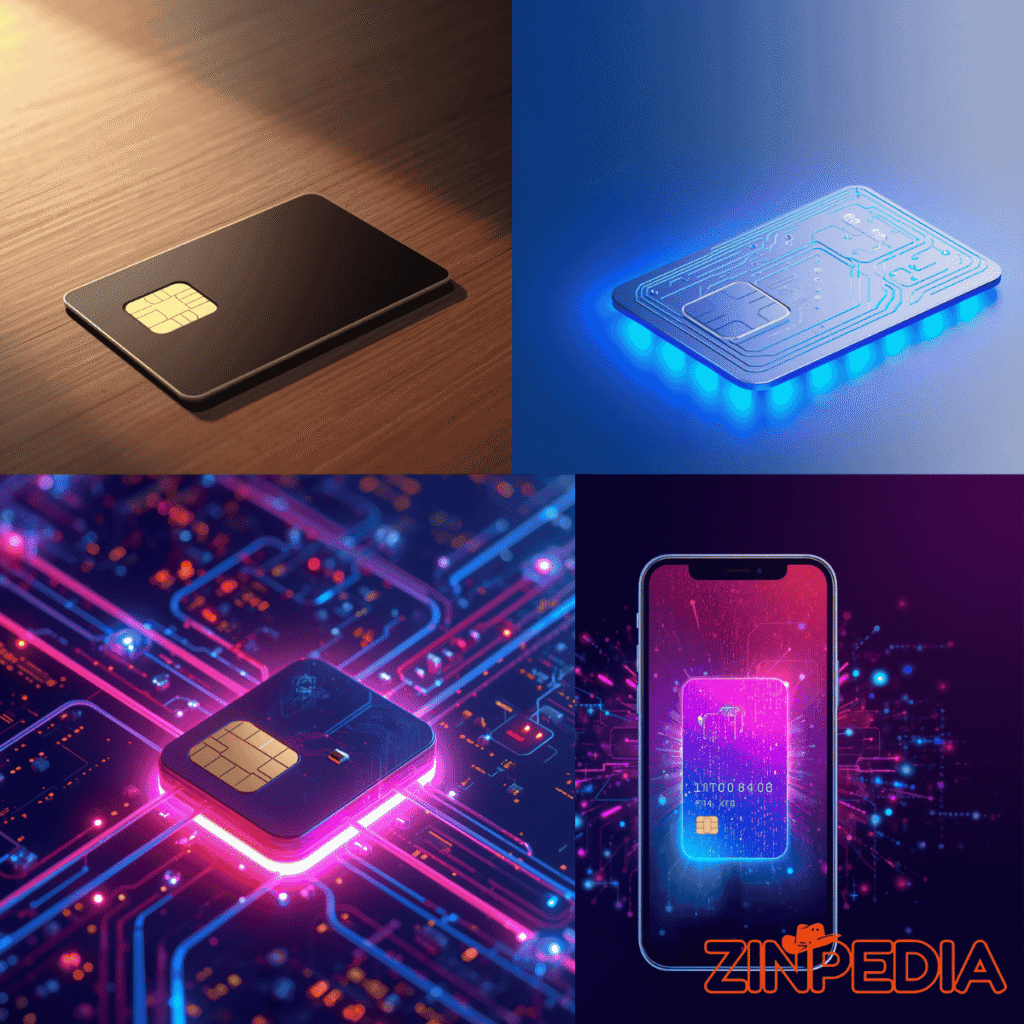
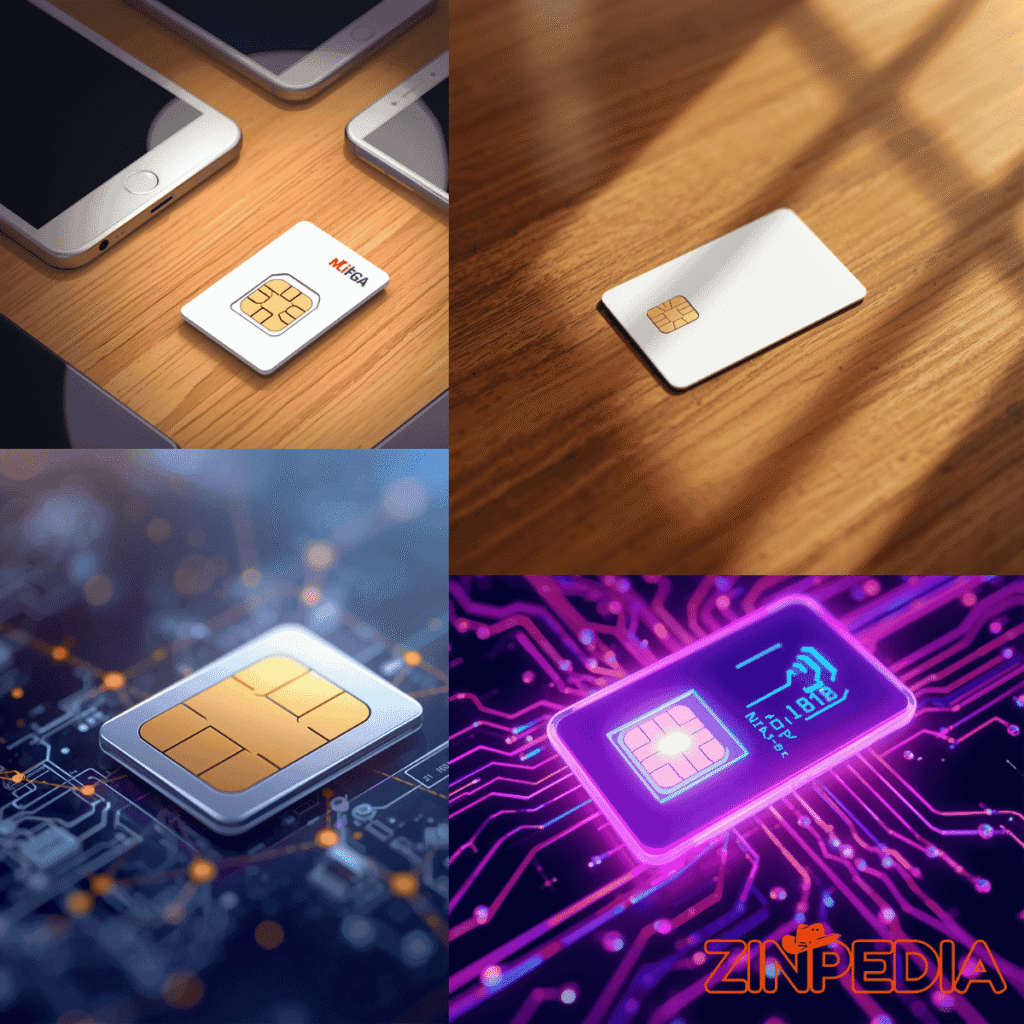
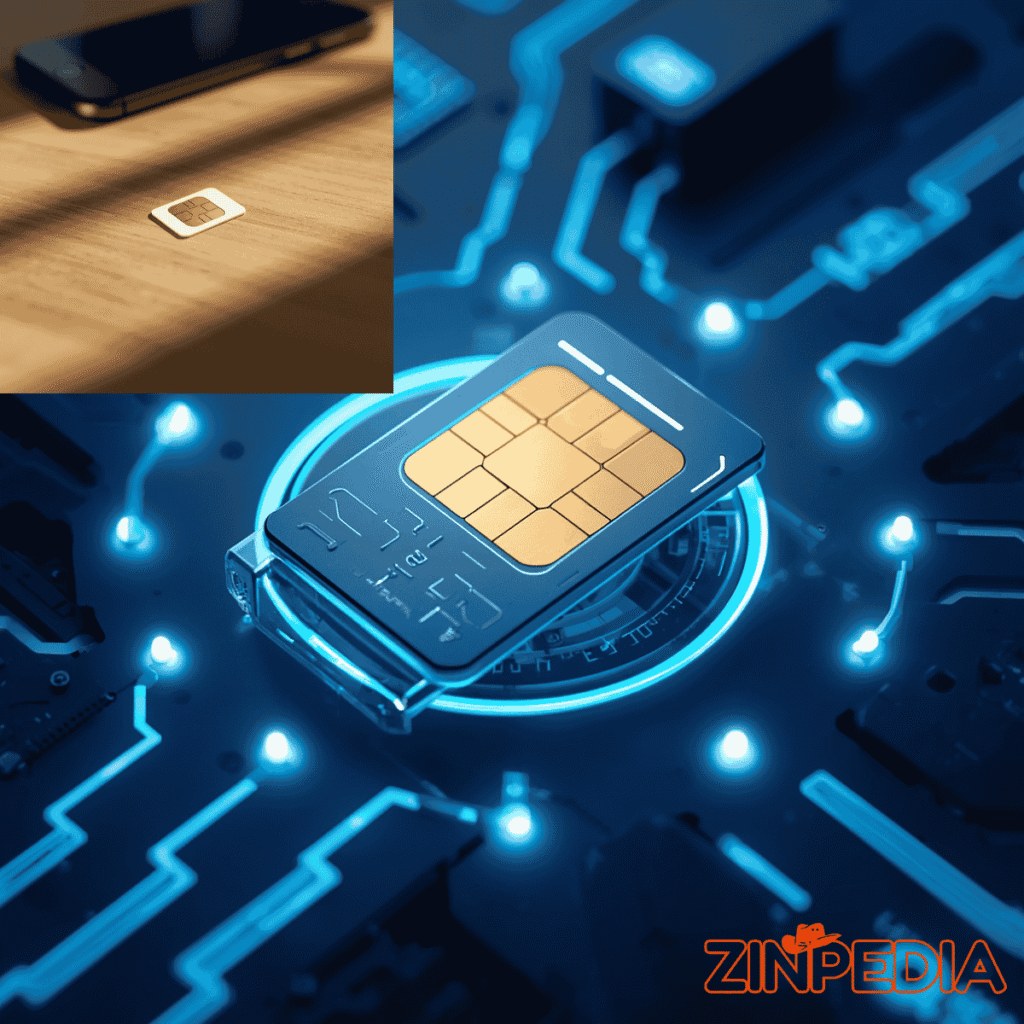
A SIM card stands for Subscriber Identity Module. It is a small smart card used in mobile phones, tablets, smartwatches, routers, and other connected devices. Its main purpose is to identify the user on a mobile network.
When you insert a SIM card into your phone, your device uses it to communicate with your mobile carrier. The carrier checks the SIM card information and confirms whether the user has an active mobile plan. If the SIM is valid, the phone can connect to the network and use services such as calls, SMS, and mobile data.
A SIM card is not the same as a memory card. A memory card stores photos, videos, documents, and other files. A SIM card mainly stores identity and network information that allows your phone to connect to a mobile service provider.
For example, if you have a smartphone without a SIM card, you can still connect to Wi-Fi, use apps, watch videos, and take photos. However, you usually cannot make normal carrier calls, send SMS messages, or use mobile data unless your phone has an active SIM card or eSIM.
In short, a SIM card works like a digital identity card for your phone. It tells the mobile network who you are and which mobile services you are allowed to use.
Quick Facts About SIM Cards
- Full Form: Subscriber Identity Module
- Main Purpose: Connects your device to a mobile carrier network
- Used For: Calls, SMS, mobile data, and network authentication
- Common Size Today: Nano SIM
- Digital Alternative: eSIM
- Newer Technology: iSIM
- Works Without Wi-Fi: Yes, if you have mobile data and network coverage
- Can Store Contacts: Yes, on some SIM cards, but modern phones usually use cloud storage
- Can Be Moved: Physical SIM cards can often be moved to another compatible unlocked phone
- Security Risk: SIM swap fraud can happen if your mobile account is not protected
How Does a SIM Card Work?
A SIM card works by helping your phone prove its identity to the mobile network. When you turn on your phone, the device searches for nearby mobile networks. If a SIM card is inserted, the phone reads the information stored on the SIM and sends a request to the carrier network.
The mobile network then checks whether the SIM belongs to an active customer. If the information is correct, the network allows your phone to connect. After that, you can make calls, send messages, and use mobile internet according to your plan.
Here is a simple step-by-step explanation:
- You insert the SIM card into your phone.
- Your phone reads the SIM card.
- The phone searches for the carrier network.
- The network checks the SIM card information.
- If the SIM is active and valid, the network allows access.
- Your phone can now use calls, SMS, and mobile data.
This process happens quietly in the background. Most people never see it, but it is essential for mobile communication.
A SIM card also helps connect your mobile number to your device. That is why, in many cases, when you move your SIM card from one unlocked phone to another, your mobile number moves with it. Your contacts may or may not move depending on where they are saved, but your mobile service is linked to the SIM.
What Information Is Stored on a SIM Card?
A SIM card stores important information that helps the mobile network recognize and authenticate the user. It does not usually store large files like photos, videos, or apps.
The exact information may vary depending on the carrier and SIM type, but a SIM card can include:
- Subscriber identity information
- Carrier network information
- Authentication keys
- SIM serial number
- Mobile country and network codes
- Limited contact storage on some older SIM cards
- Limited SMS storage on some older devices
One of the most important pieces of information connected to a SIM card is the subscriber identity. This helps the mobile carrier know which account is trying to connect to the network.
A SIM card also contains security-related data that helps prevent unauthorized access. This is why SIM cards are not just simple plastic chips. They are small secure modules designed to protect mobile network access.
Older phones often allowed users to save contacts directly on a SIM card. This made it easy to move basic contacts from one phone to another. However, modern smartphones usually save contacts to the phone, Google account, Apple ID, or cloud storage instead of the SIM card.
So, while a SIM card can store some small pieces of information, its main purpose is not storage. Its real job is identification, authentication, and mobile network access.
Why Do Phones Need a SIM Card?
Phones need a SIM card because mobile carriers must know which customer is using the network. The SIM card connects your device to your mobile account.
Without a SIM card or eSIM, your phone may still work as a smart device. You can connect to Wi-Fi, use apps, browse websites, and take pictures. But you usually cannot use your mobile number, receive normal SMS, make carrier-based calls, or use cellular data.
A SIM card is useful because it makes mobile service portable. If your phone is unlocked, you can often remove the SIM from one device and insert it into another compatible phone. This can help when changing phones, repairing a device, or using a backup phone.
SIM cards are also useful for travelers. Many people buy local SIM cards when visiting another country. This helps them avoid expensive roaming charges and get local data, calls, or SMS at a better price.
In daily life, a SIM card helps with:
- Making and receiving phone calls
- Sending and receiving SMS messages
- Using mobile data
- Connecting to 4G or 5G networks
- Using your mobile number
- Activating carrier services
- Receiving account verification codes
- Switching phones more easily
- Using local mobile plans while traveling
A SIM card may be small, but it plays a major role in keeping your phone connected wherever mobile coverage is available.
SIM Card vs Memory Card
Many people confuse SIM cards with memory cards, but they are completely different.
| Feature | SIM Card | Memory Card |
|---|
| Main Purpose | Connects phone to mobile network | Stores files and media |
| Used For | Calls, SMS, mobile data, mobile number | Photos, videos, music, documents |
| Linked to Carrier | Yes | No |
| Stores Mobile Identity | Yes | No |
| Used for Network Access | Yes | No |
| Can Increase Phone Storage | No | Yes |
| Common Type | Nano SIM, eSIM | microSD card |
A SIM card helps your phone connect to a mobile network. A memory card helps your phone store more files. Both are small, but they do very different jobs.
Different Types and Sizes of SIM Cards
SIM cards have changed over time. Older phones used larger SIM cards, while modern phones usually use smaller ones. Today, the most common physical SIM card size is the nano SIM.
Standard SIM
The standard SIM is one of the older and larger SIM card sizes. It was used in many older mobile phones. Today, it is rarely used in modern smartphones.
Micro SIM
The micro SIM is smaller than the standard SIM. It was used in many smartphones before the nano SIM became common. Some older Android phones and older iPhone models used micro SIM cards.
Nano SIM
The nano SIM is the smallest common physical SIM card size. Most modern smartphones that still use physical SIM cards use nano SIMs. It has very little plastic around the chip and is designed to save space inside the phone.
eSIM
An eSIM is a digital SIM built into the device. It does not require a removable plastic card. Instead of inserting a physical SIM, users can activate a mobile plan digitally, often through a QR code, carrier app, or phone settings.
iSIM
An iSIM, or integrated SIM, is a newer SIM technology built directly into a device’s main processor or system chip. It is designed to save even more space and power. iSIM may become more common in future phones, smart devices, and Internet of Things products.
The most common SIM type today is still the nano SIM, but eSIM is becoming more popular in newer smartphones, smartwatches, tablets, and connected devices.
SIM Card vs eSIM: What Is the Difference?
The main difference between a physical SIM card and an eSIM is that a physical SIM is a removable card, while an eSIM is built into the device.
A physical SIM card is a small plastic card with a chip. You insert it into your phone’s SIM tray. If you want to change carriers, you may need to remove the old SIM and insert a new one.
An eSIM works digitally. The SIM profile is downloaded to your device instead of being placed inside it as a physical card. This means you can activate a mobile plan without waiting for a plastic SIM card.
Both physical SIM and eSIM do the same basic job. They help your device connect to a mobile network. The difference is how they are stored and activated.
| Feature | Physical SIM | eSIM |
| Form | Removable plastic card | Built into the device |
| Activation | Insert SIM card | Digital activation |
| Switching Phones | Easy if phone is compatible | Depends on carrier and device |
| Travel Use | Local SIM can be inserted | Travel eSIM can be added digitally |
| Risk of Losing Card | Yes | No physical card to lose |
| Carrier Support | Very common | Growing, but not available everywhere |
Benefits of a Physical SIM
A physical SIM is simple and familiar. Many users like it because they can remove it and place it in another compatible phone. It is also widely supported in many countries and by many carriers.
Benefits of an eSIM
An eSIM is convenient because there is no need to handle a small card. It can make switching plans easier if your carrier supports it. It is also useful for travel because some phones allow users to keep their main number active while adding a temporary travel plan.
Which One Is Better?
Neither option is perfect for everyone. A physical SIM may be better if you often switch phones or live in a place where eSIM support is limited. An eSIM may be better if you want convenience, travel flexibility, or a phone with multiple mobile profiles.
For most users, the best choice depends on their phone, carrier, country, and personal needs.
Common SIM Card Problems and How to Fix Them
SIM card problems are common, especially when changing phones, traveling, or using an old SIM. The good news is that many SIM issues can be fixed with simple steps.
SIM Not Detected
If your phone says “No SIM” or “SIM not detected,” the SIM card may not be inserted properly. Turn off the phone, remove the SIM tray, check the SIM position, and insert it again carefully.
No Network Signal
If your phone detects the SIM but shows no signal, the issue may be poor coverage, carrier problems, airplane mode, or network settings. Try restarting your phone, turning airplane mode on and off, or manually selecting the network.
SIM Card Locked
A PIN protects some SIM cards. If you enter the wrong PIN too many times, the SIM may become locked and require a PUK code. Your mobile carrier usually provides the PUK code.
Mobile Data Not Working
Suppose calls and SMS work, but mobile data does not. Check whether mobile data is turned on. Also, check your APN settings, data balance, and carrier plan.
SIM Card Damaged
A physical SIM card can become scratched, bent, or damaged over time. If the SIM does not work in any phone, you may need a replacement from your carrier.
Phone Locked to a Carrier
Sometimes the problem is not the SIM card. The phone may be locked to a specific carrier. In that case, a SIM from another network may not work unless the phone is unlocked.
Before replacing your SIM, try basic troubleshooting first. Restart your phone, check the SIM tray, test the SIM in another device, and contact your carrier if the issue continues.
Tips for Choosing and Using a SIM Card
Choosing the right SIM card depends on how you use your phone. A person who only needs calls and messages may need a different plan from someone who streams videos, travels often, or uses a mobile hotspot every day.
Here are useful tips:
- Check whether your phone supports physical SIM, eSIM, or both.
- Make sure your phone is unlocked if you want to use another carrier.
- Choose a plan based on your real data usage.
- For travel, compare local SIM, roaming, and eSIM travel plans.
- Keep your SIM card safe when removing it from your phone.
- Do not share your SIM PIN or PUK code with others.
- Contact your carrier quickly if your SIM is lost or stolen.
- Use a SIM lock or phone lock for better security.
- Save important contacts to cloud storage, not only on the SIM.
- Replace very old SIM cards if they cause network issues.
A good SIM plan should match your needs. If you mostly use Wi-Fi, you may not need a large data package. If you travel or work online, you may need a stronger data plan with good coverage.
Is a SIM Card Secure?
A SIM card is designed to help protect access to your mobile network account. It uses authentication information that allows the carrier to confirm your identity on the network.
However, users still need to be careful. SIM-related fraud can happen, especially through SIM swap scams. In a SIM swap scam, a criminal tries to move your phone number to another SIM card by tricking the carrier or using stolen personal information. If successful, they may receive your SMS verification codes and try to access your online accounts.
To improve SIM security, you can take simple steps:
- Use a strong phone screen lock.
- Set a SIM PIN if your phone supports it.
- Avoid sharing personal account details.
- Be careful with suspicious calls or messages.
- Use app-based authentication instead of SMS when possible.
- Contact your carrier immediately if your phone loses service suddenly.
- Add extra security to your mobile carrier account.
A SIM card itself is designed for secure network access, but your mobile number can still be targeted if your personal information is exposed. Good security habits help protect your phone number and accounts.
Key Takeaways
A SIM card stands for Subscriber Identity Module. It is a small chip that helps your phone connect to a mobile carrier network.
A SIM card allows your phone to make calls, send SMS, use mobile data, and connect your mobile number to your device.
A SIM card is different from a memory card. A SIM card is for network identity, while a memory card is for storage.
Modern phones usually use nano SIM cards, but many newer devices also support eSIM.
An eSIM is a digital SIM built into the device. It can make activation and travel plans more convenient if supported by your carrier.
SIM cards are useful, but users should protect their mobile numbers from SIM swap fraud by using strong security settings.
FAQs About SIM Cards
Q1: What does SIM card stand for?
A: SIM stands for Subscriber Identity Module. It is a small chip that identifies a mobile user on a carrier network.
Q2: What does a SIM card do?
A: A SIM card connects your phone to your mobile carrier. It allows your phone to make calls, send SMS, and use mobile data.
Q3: Can a phone work without a SIM card?
A: Yes, a phone can work without a SIM card on Wi-Fi. You can use apps, browse the internet, and take photos. However, you usually cannot use carrier calls, SMS, or mobile data without a SIM or eSIM.
Q4: Is a SIM card the same as a memory card?
A: No. A SIM card connects your phone to a mobile network. A memory card stores files such as photos, videos, and documents.
Q5: Can I move my SIM card to another phone?
A: Yes, in many cases, you can move your SIM card to another compatible and unlocked phone. Your mobile number and service may move with the SIM.
Q6: What is the difference between SIM and eSIM?
A: A physical SIM is a removable card. An eSIM is a digital SIM built into the device. Both connect your device to a mobile network.
Q7: Which SIM card size do modern phones use?
A: Most modern phones that support physical SIM cards use nano SIM cards.
Q8: Why does my phone say no SIM?
A: Your phone may say no SIM if the SIM card is inserted incorrectly, damaged, inactive, or not supported by the phone. Restarting the phone and reinserting the SIM may help.
Q9: Can a SIM card store contacts?
A: Some SIM cards can store a small number of contacts, especially on older phones. Modern smartphones usually save contacts to the phone or cloud account.
Q10: Is eSIM better than a physical SIM?
A: eSIM is more convenient for many users, especially travelers, but physical SIM cards are still useful because they are easy to move between phones. The better option depends on your device, carrier, and needs.
Conclusion
A SIM card is a small but powerful part of mobile communication. It identifies you on your carrier’s network and allows your phone to use calls, SMS, and mobile data. Without a SIM card or eSIM, a phone can still work on Wi-Fi, but it cannot fully use mobile network services.
SIM cards have changed over time. Older phones used larger physical SIM cards, while most modern phones use nano SIMs. Newer devices may also support eSIM, which allows users to activate mobile service digitally without inserting a physical card.
Understanding what a SIM card is can help you choose the right phone plan, fix common network problems, protect your mobile number, and make better decisions when traveling or changing phones.
Whether you use a physical SIM, eSIM, or future iSIM technology, the purpose remains the same: connecting your device to a mobile network safely and reliably.
Explore More Helpful Articles– Visit Now