
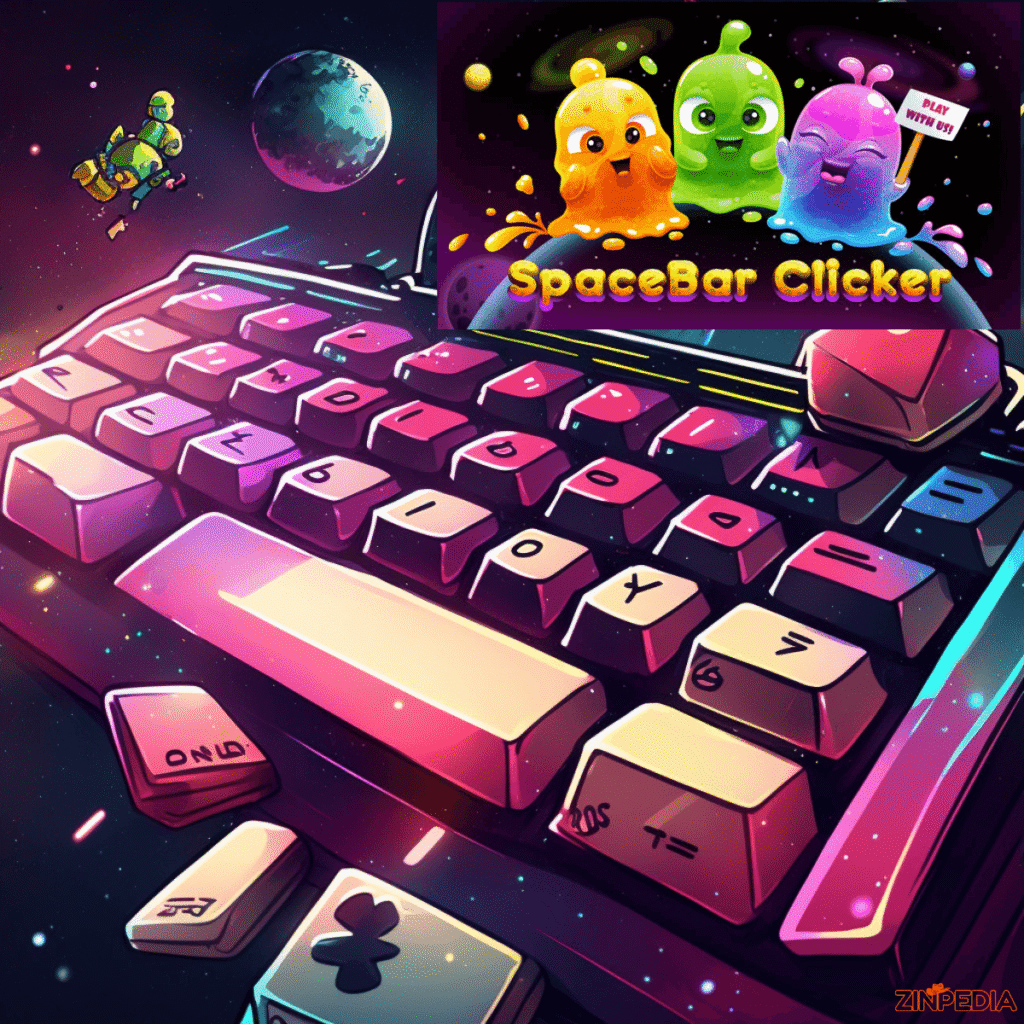
Spacebar Clicker: The Simple Keyboard Game That Creates Endless Challenges
How many times can you press a single key?
It sounds like a simple question, but Spacebar Clicker turns this small challenge into an addictive experience where every press matters. With only one keyboard button, players can test their speed, improve their clicking ability, compete with friends, and chase impressive high scores.
Unlike complicated games that require advanced skills, Spacebar Clicker focuses on one basic action: pressing the spacebar. However, the simplicity is exactly what makes it enjoyable. The increasing numbers, personal records, upgrades, and competitive goals keep players coming back again and again.
Many people discover the game while searching for a quick browser activity, a typing-related challenge, or a fun way to test their keyboard speed. What starts as a few random clicks can quickly become a mission to reach thousands or even millions of presses.
In this complete guide, you will learn how Spacebar Clicker works, why it became popular, the best techniques to improve your score, common mistakes to avoid, and expert strategies that can help you become a better player.
What Is Spacebar Clicker?
Spacebar Clicker is an online incremental clicking game where players press the spacebar repeatedly to increase their score.
The concept is extremely simple:
- Open the game.
- Press the spacebar.
- Watch your click counter increase.
- Try to beat your previous record.
The game does not require complicated controls, downloads, or long tutorials. Anyone with a keyboard can start playing within seconds.
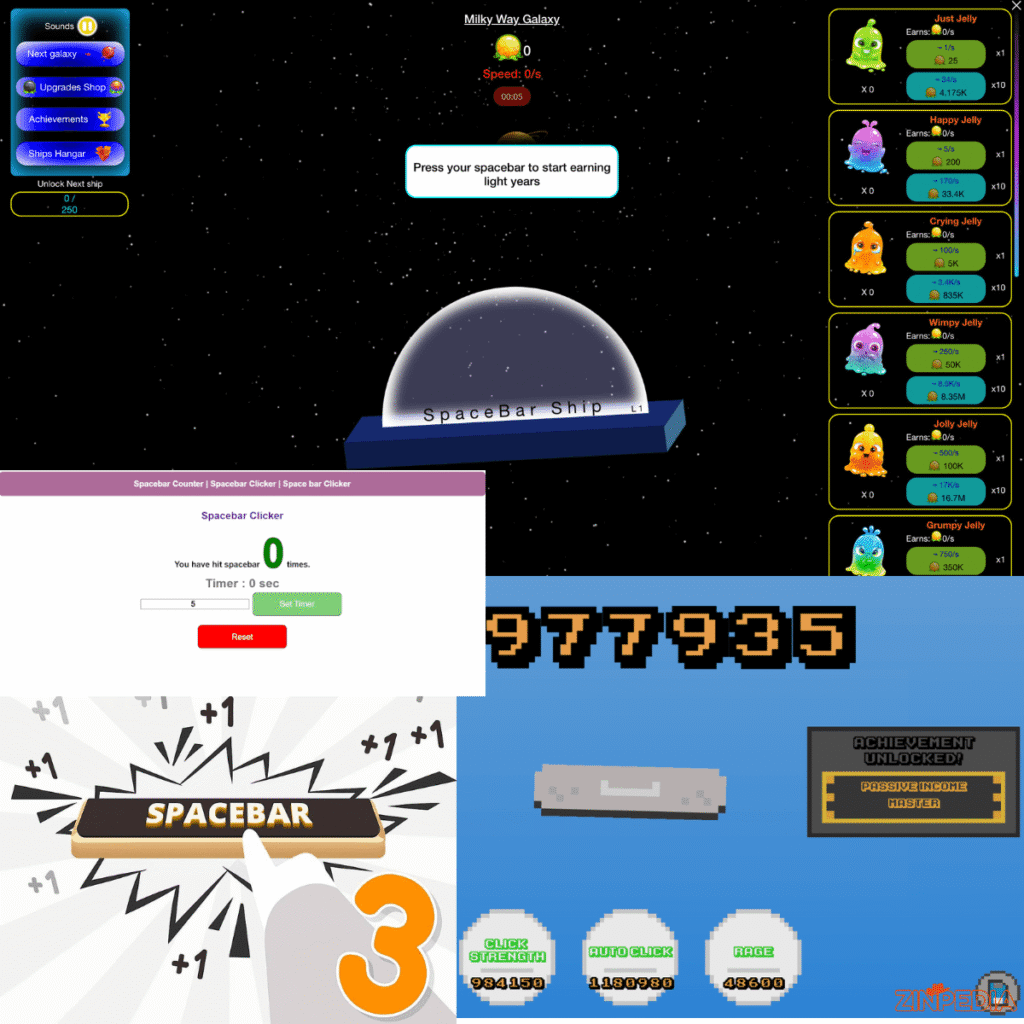
Although the main goal is clicking the spacebar, different versions of the game may include additional features such as:
- Total click counters
- Click-per-second tracking
- Achievements
- Ranking systems
- Automatic clicking upgrades
- Score multipliers
- Challenges and milestones
The combination of simplicity and progression makes Spacebar Clicker appealing to both casual users and competitive players.
A beginner may simply enjoy reaching 1,000 clicks, while experienced players may focus on optimizing every second to achieve extremely high numbers.
Why Is Spacebar Clicker So Popular?
At first glance, Spacebar Clicker looks almost too simple. There are no complicated characters, missions, or storylines. So why do millions of players enjoy this type of game?
The answer lies in basic human psychology.
Instant Satisfaction
Every time you press the spacebar, you immediately see progress.
The number increases.
Your score improves.
Your goal feels closer.
This instant feedback creates a rewarding experience that encourages players to continue.
Easy to Learn, Difficult to Master
Anyone can understand Spacebar Clicker within seconds. However, achieving impressive results requires:
- Good timing
- Consistent speed
- Efficient techniques
- Proper upgrade management
The gap between a beginner and an advanced player creates a natural challenge.
Personal Competition
Many players compete against themselves rather than others.
Common goals include:
- Breaking personal records
- Increasing clicks per second
- Reaching achievement levels
- Improving endurance
The desire to beat yesterday’s performance keeps the game interesting.
Short Gaming Sessions
Not everyone has time for long gaming sessions.
Spacebar Clicker is perfect for quick entertainment because:
- It starts instantly
- No complicated setup is needed
- A single session can last only a few minutes
This makes it popular among students, office workers, and casual gamers.
How Does Spacebar Clicker Work?
The basic mechanics behind Spacebar Clicker are straightforward.
When you press the spacebar, the game detects the keyboard input and adds one click to your score.
For example:
- 1 press = 1 click
- 100 presses = 100 clicks
- 1,000 presses = 1,000 clicks
Some advanced versions add additional mechanics.
Click Multipliers
A multiplier increases the value of each press.
Example:
Without multiplier:
- 1 spacebar press = 1 point
With 5x multiplier:
- 1 spacebar press = 5 points
This allows players to grow their score much faster.
Automatic Clicking
Some versions include automatic systems.
Instead of manually pressing every time, automatic clickers generate points continuously.
Players can combine:
- Manual clicking
- Automatic production
- Upgrade bonuses
This creates faster progression.
Achievement Systems
Achievements give players additional goals.
Examples:
- Reach 10,000 clicks
- Maintain a certain speed
- Complete a clicking challenge
These features add extra motivation beyond the basic score counter.
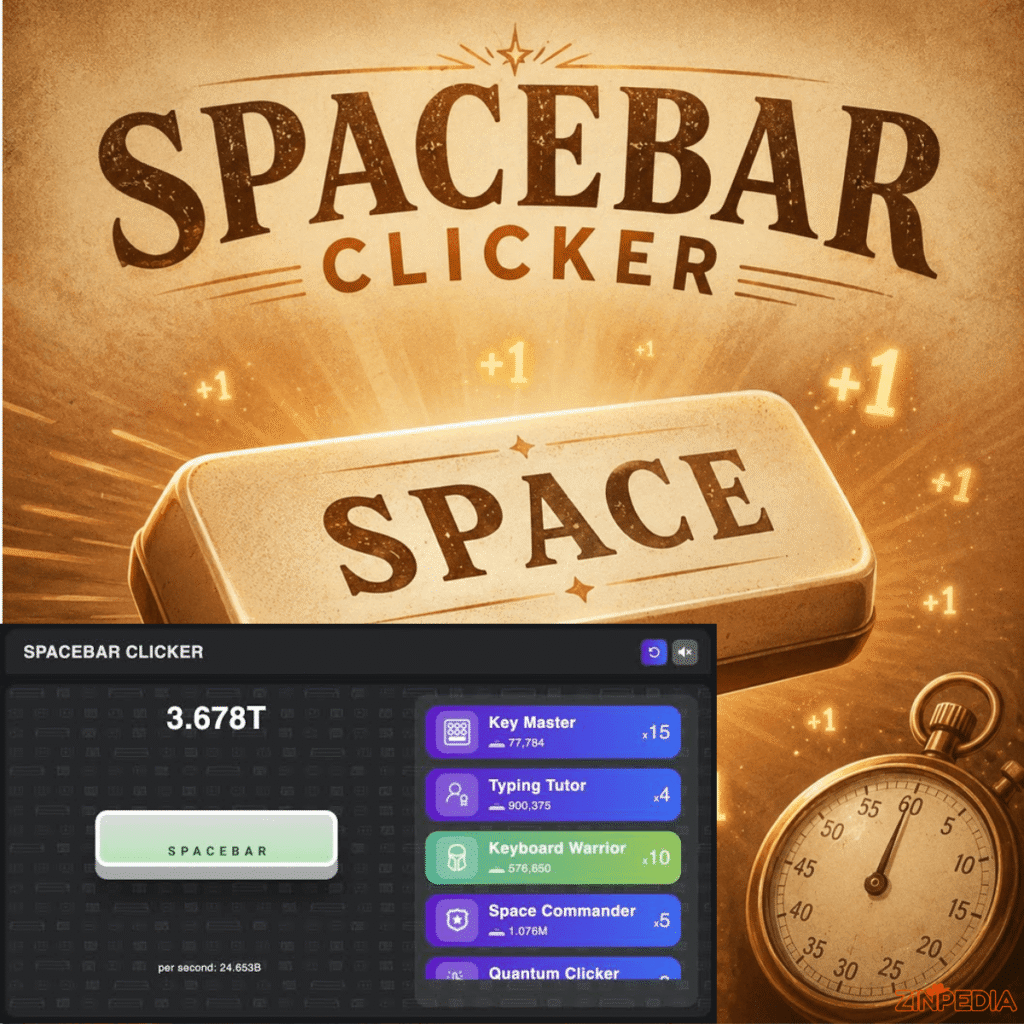
Best Strategies to Increase Your Spacebar Clicker Score
Although Spacebar Clicker looks like a game based only on speed, using the correct strategy can significantly improve results.
1. Maintain a Comfortable Hand Position
Your hand position affects your performance.
A good setup includes:
- Relaxed fingers
- Straight wrist position
- Comfortable keyboard height
- Minimal unnecessary movement
Tension slows you down and causes fatigue.
2. Develop a Consistent Rhythm
Many beginners make the mistake of clicking randomly as fast as possible.
A better method is creating a steady rhythm.
For example:
Poor approach:
- Extremely fast clicking for a few seconds
- Losing control
- Becoming tired
Better approach:
- Moderate speed
- Stable pattern
- Longer endurance
Consistency often produces better scores.
3. Use Different Finger Techniques
Players use different methods depending on comfort.
Single Finger Technique
Using one finger is the easiest approach.
Advantages:
- Simple
- Natural
- Good for beginners
Disadvantage:
- Causes fatigue during long sessions
Two-Finger Alternation
Some players alternate between fingers.
Example:
Left thumb → Right thumb → Left thumb → Right thumb
Benefits:
- Reduces strain
- Allows longer sessions
- Creates faster repeated presses
4. Focus on Upgrades
If your Spacebar Clickers version includes upgrades, spend resources carefully.
A good upgrade priority is:
- Click multiplier
- Automatic clicking power
- Speed improvements
- Extra bonuses
Powerful upgrades usually create bigger long-term benefits.
Advanced Tips for Becoming a Better Spacebar Clicker Player
Players who want higher scores need more than fast fingers.
Here are advanced techniques that experienced players use.
Practice Short but Regular Sessions
Long sessions can reduce performance.
Instead:
- Practice regularly
- Take breaks
- Focus on improvement
Fresh hands perform better than tired hands.
Track Your Performance
Keep records of:
- Total clicks
- Best score
- Average clicking speed
- Time spent playing
Tracking progress helps identify improvement areas.
Improve Your Reaction Speed
Fast clicking depends partly on coordination.
You can improve by practicing:
- Keyboard exercises
- Rhythm games
- Typing activities
Better coordination can improve your Spacebar Clicker results.
Avoid Excessive Force
Pressing harder does not always mean clicking faster.
A light and controlled movement is usually more efficient.
Heavy pressing:
- Creates fatigue
- Slows movement
- Increases keyboard wear
Common Mistakes That Reduce Your Score
Many players struggle because they use inefficient methods.
Clicking Too Hard
More force does not create more speed.
Use quick, controlled movements instead.
Ignoring Strategy
Some players only focus on pressing faster.
However, high scores often require:
- Upgrade planning
- Good timing
- Consistent performance
Playing Without Breaks
Continuous clicking can cause discomfort.
Take breaks to protect your hands and maintain performance.
Focusing Only on Short Bursts
A player who clicks extremely fast for five seconds may lose against someone who maintains a strong speed for a longer period.
Endurance matters.
Is Spacebar Clicker Useful for Improving Keyboard Skills?
Spacebar Clicker can help develop certain keyboard-related abilities, but it is not a complete typing program.
It may improve:
- Finger coordination
- Keyboard familiarity
- Reaction speed
- Hand control
However, it will not significantly improve:
- Typing accuracy
- Writing ability
- Vocabulary
- Professional typing speed
For typing improvement, specialized typing tools are better.
Spacebar Clicker should mainly be considered a fun keyboard challenge.
Benefits of Playing Spacebar Clicker
Even though it is a simple game, it provides several advantages.
Quick Entertainment
Players can enjoy a short gaming session without complicated rules.
Goal Setting
The game encourages players to create personal targets and improve gradually.
Stress Reduction
Repetitive clicking can provide a relaxing break from daily activities.
Competitive Motivation
Trying to beat personal records creates a sense of achievement.
Frequently Asked Questions (FAQs)
What is Spacebar Clicker?
Spacebar Clicker is a browser-based game where players repeatedly press the spacebar to increase their score and complete clicking challenges.
Is Spacebar Clicker free?
Yes, most Spacebar Clicker games available online are free and can be played directly in a web browser.
Can I play Spacebar Clicker on a phone?
Some versions work on mobile devices, but the game experience is usually better on computers because it depends on keyboard pressing.
How can I increase my Spacebar Clicker speed?
You can improve your speed by:
- Practicing regularly
- Maintaining rhythm
- Using comfortable finger techniques
- Avoiding unnecessary force
What is a good Spacebar Clicker score?
A good score depends on the version of the game and playing time. Beginners may reach thousands of clicks, while experienced players can achieve much higher numbers.
Does a better keyboard improve Spacebar Clicker performance?
A responsive keyboard may improve comfort, but technique and practice are more important than expensive equipment.
Can Spacebar Clicker damage my keyboard?
Normal playing will not damage a quality keyboard. However, pressing extremely hard for long periods may increase keyboard wear.
Final Conclusion: Why Spacebar Clicker Remains Popular
Spacebar Clicker proves that a simple idea can create a highly engaging gaming experience. The game does not depend on complicated graphics or advanced mechanics. Instead, it uses progress, competition, and personal improvement to keep players interested.
The best players understand that success is not only about pressing faster. High scores come from combining good technique, smart strategies, proper timing, and consistent practice.
Whether you play for entertainment, a quick challenge, or a personal record, Spacebar Clicker offers an easy and enjoyable way to test your keyboard skills.
Start with a few clicks, build your strategy, and see how far your score can grow.
Explore More Helpful Articles– Visit Now